
Online booking
Online booking that fills your calendar
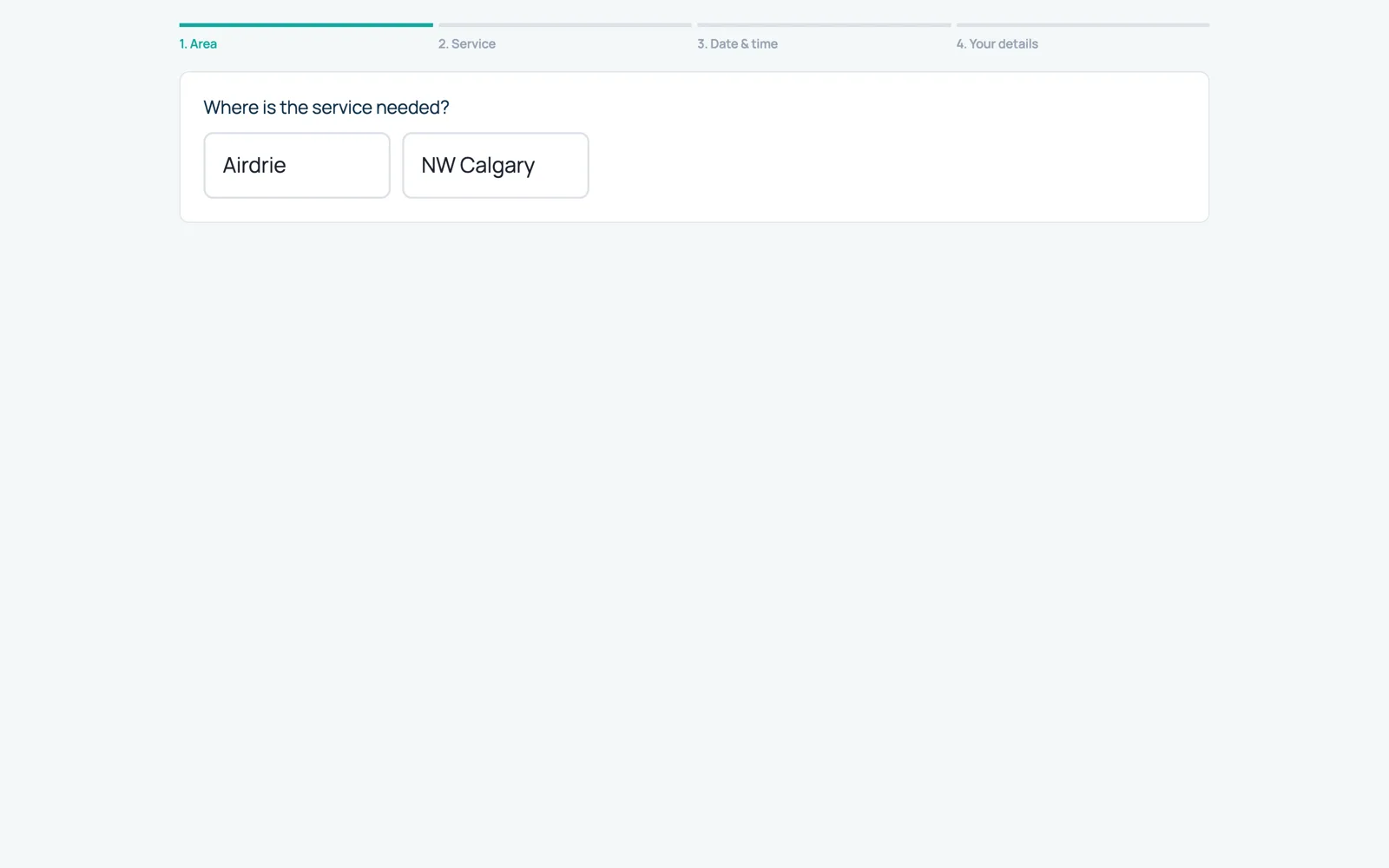
Customers book from their address on your own branded booking page. They only see times when a technician who covers their area is really free.
Your own booking page
Every company gets a booking page with its logo, colours, phone number, office hours and a sign-in box for returning customers. Share the short link, add a “Book online” button to your website, or print the QR code.
- Customers pick their area, the service and a time that is really free
- Optional priced extras (for example wasp nest removal)
- Pay by card online, or choose cash, cheque or e-transfer
- Short link, website button code and a printable QR code
Areas drawn on a map
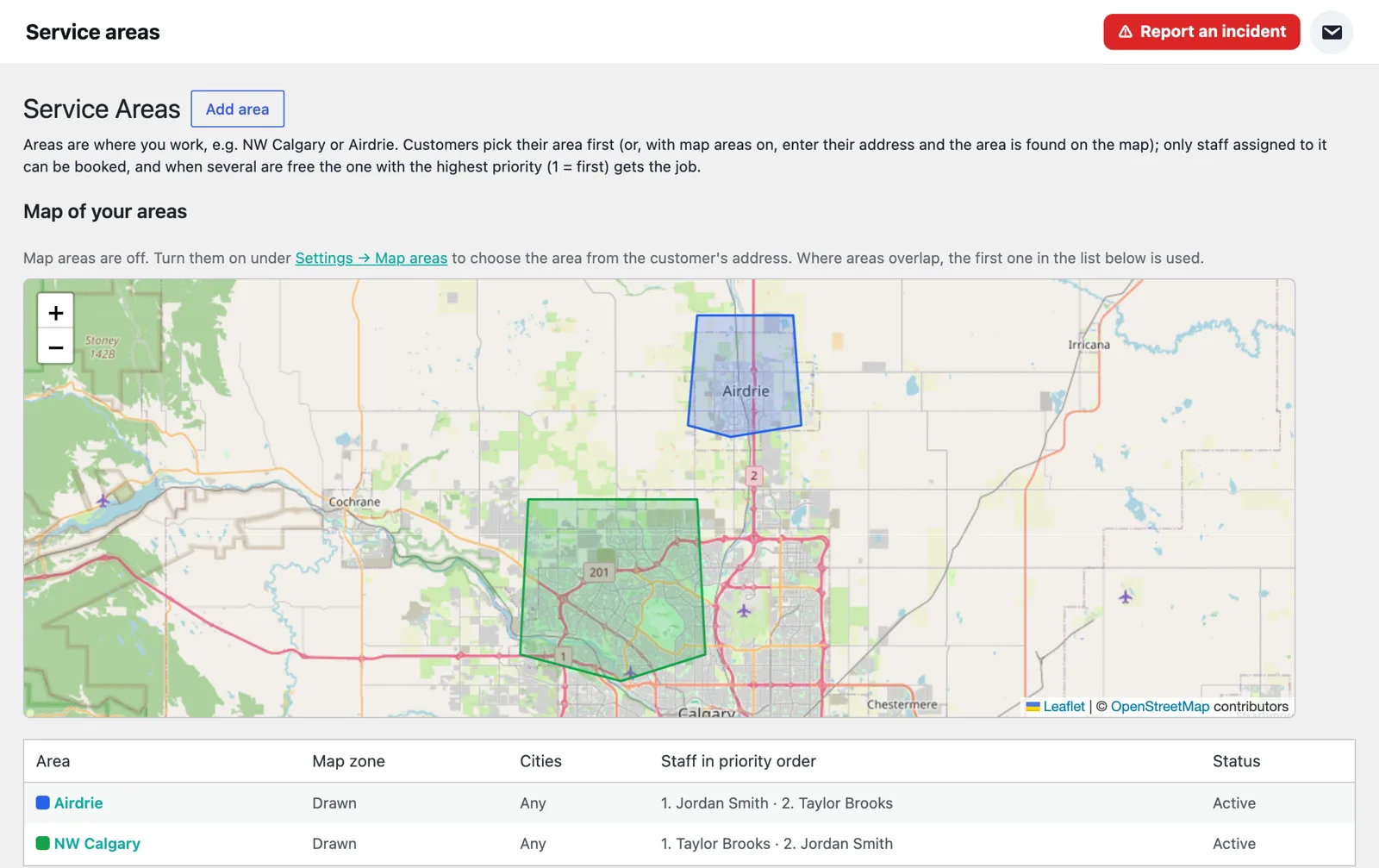
Draw the areas you cover on a map. Customers type their address and CrewNavio sends the booking to the right area and the technicians who work there.
- Map areas with a priority order of technicians
- Cities or postal codes as a fallback
- No double booking: a technician is never booked for two jobs at once
- Suggested times when a technician is already working nearby
Services the way you sell them
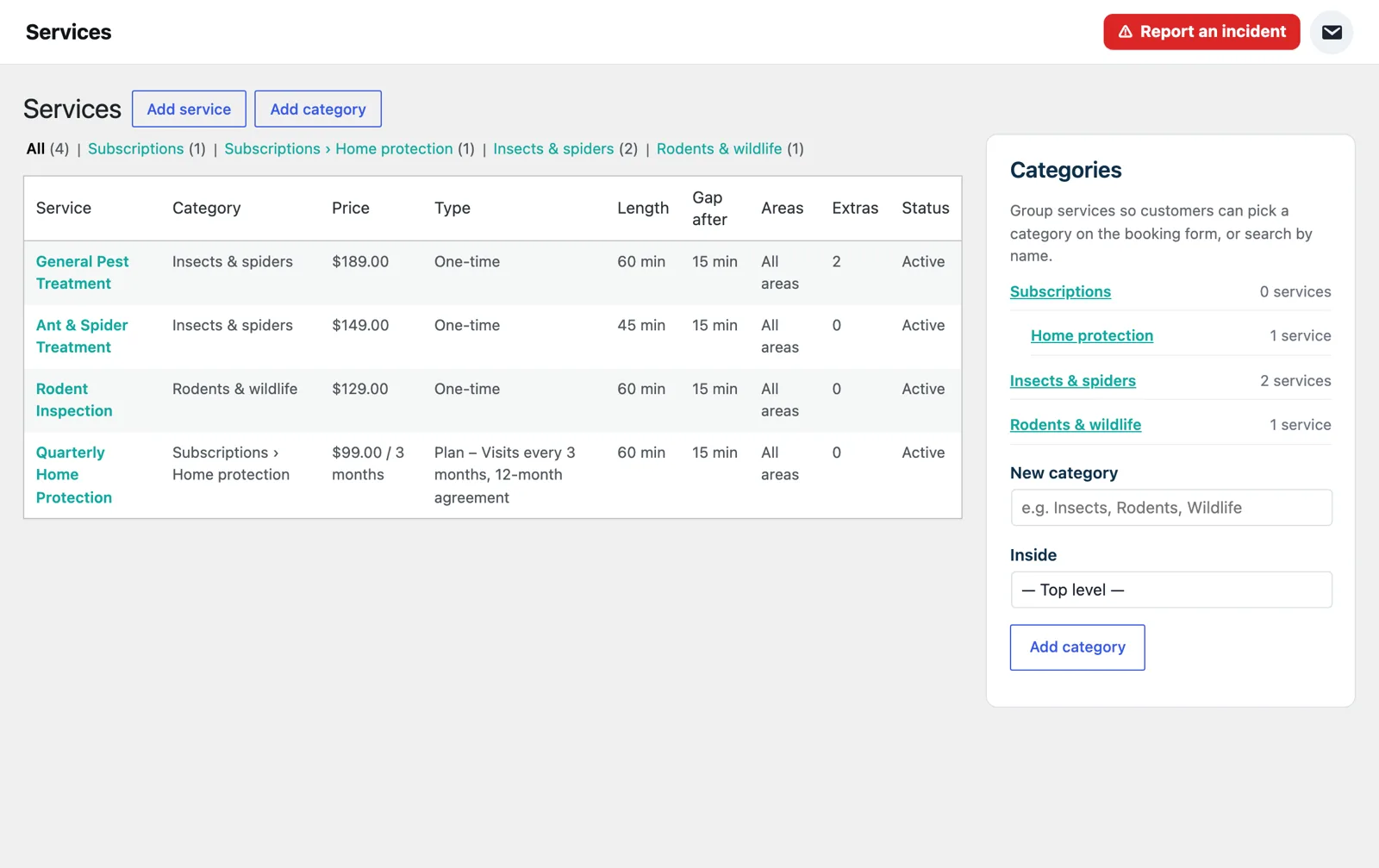
Set up each service with its price, length, gap after the visit and which areas offer it. Group them into categories so customers find the right one fast.
- Prices, length and travel gap for every service
- Categories and sub-categories
- One-time visits or recurring plans
- Confirmation and day-before reminder emails and texts go out automatically
Every feature, one price per seat
$79.99 CAD per seat per month, with a 30-day free trial. Your platform is ready in a few minutes.